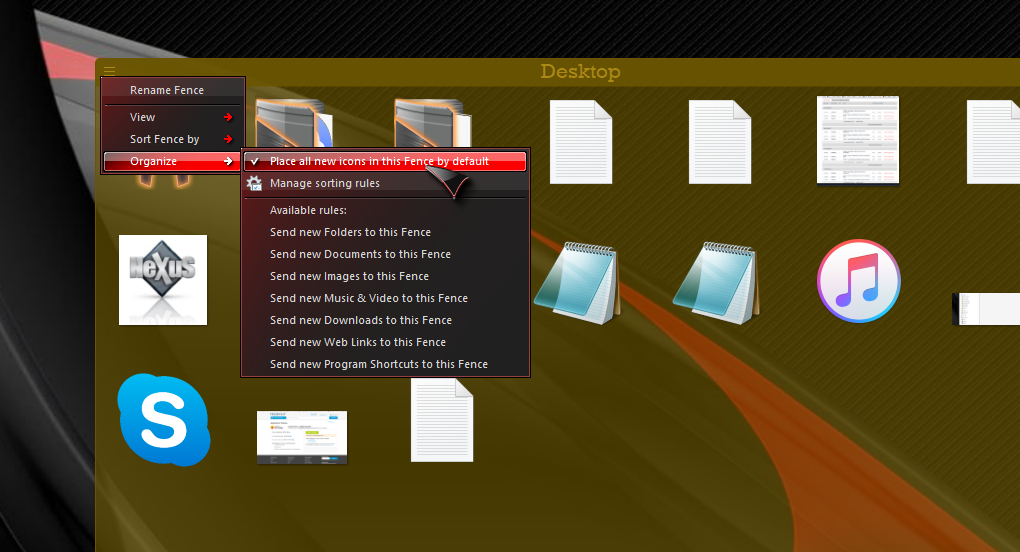
New files on desktop going behind fence
from  Stardock Forums
Stardock Forums
Hi,
I am running two 1920x1080 identical monitors at 100% scaling on Windows Version 10.0.17134.829
I have a fence in the top left corner of my main monitor. When i download a new file from Chrome or any other program onto my desktop it is being placed underneath the fence in the top left corner of the screen. I then have to unlock the fences and move that fence to find my new files. Is this the intended behavior or am I experiencing a bug? Thanks,
Scott
 WinCustomize Forums