Translucent Fences show incorrect background on multi-monitor systems
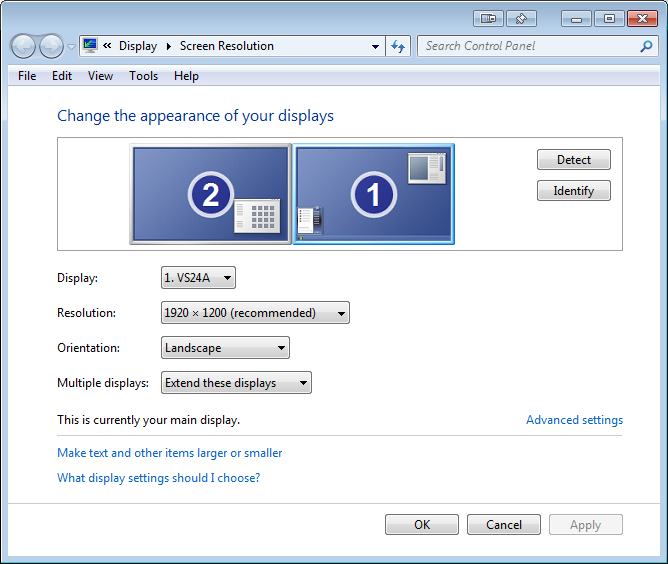
if monitors are arranged [2][1] positions
from  Stardock Forums
Stardock Forums
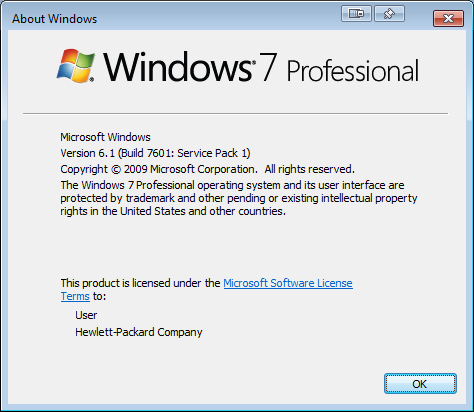
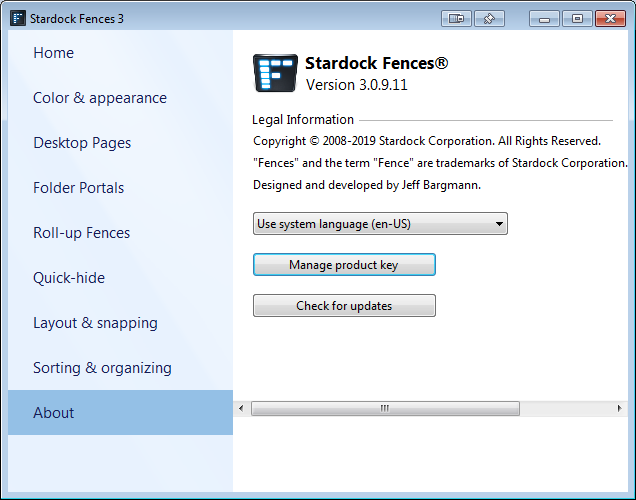
If monitors are physically arranged [2][1] instead of [1][2], a faded-out translucent fence, when moused over, will show the alpha blended portion of the other monitor's wallpaper behind the icons. This bug has been verified on Windows 7 and 10. The only workarounds are moving the monitors into a [1][2] orientation, or having identical wallpapers and resolutions on each monitor.

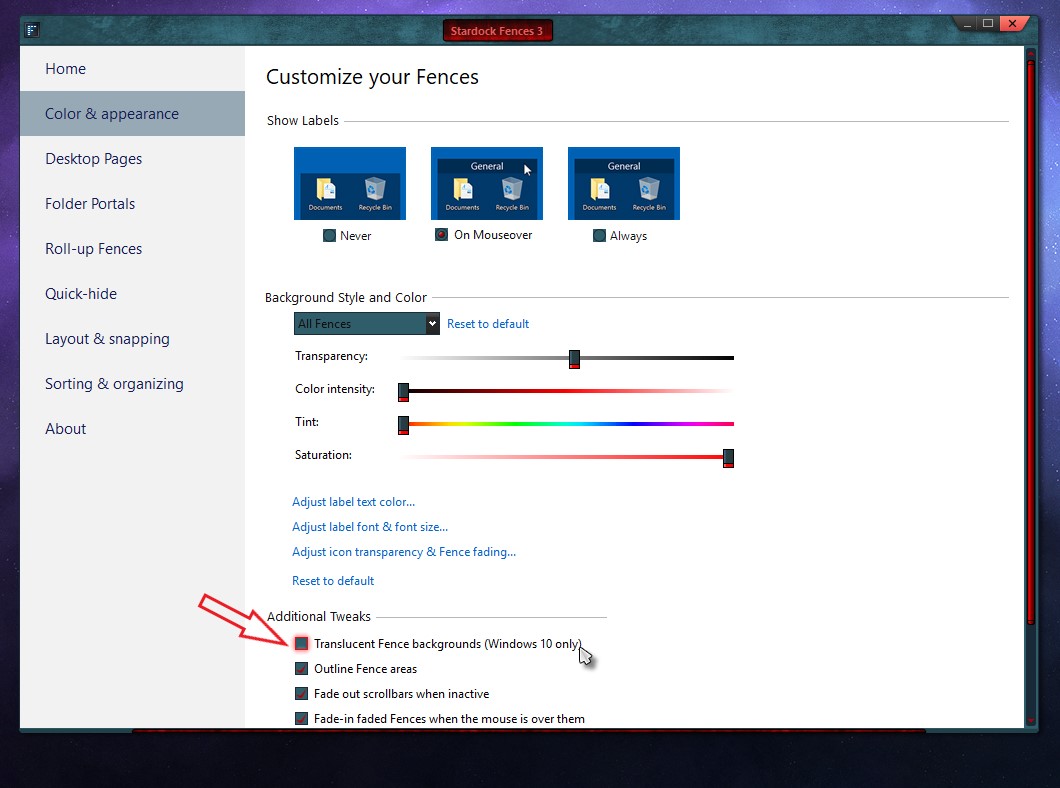
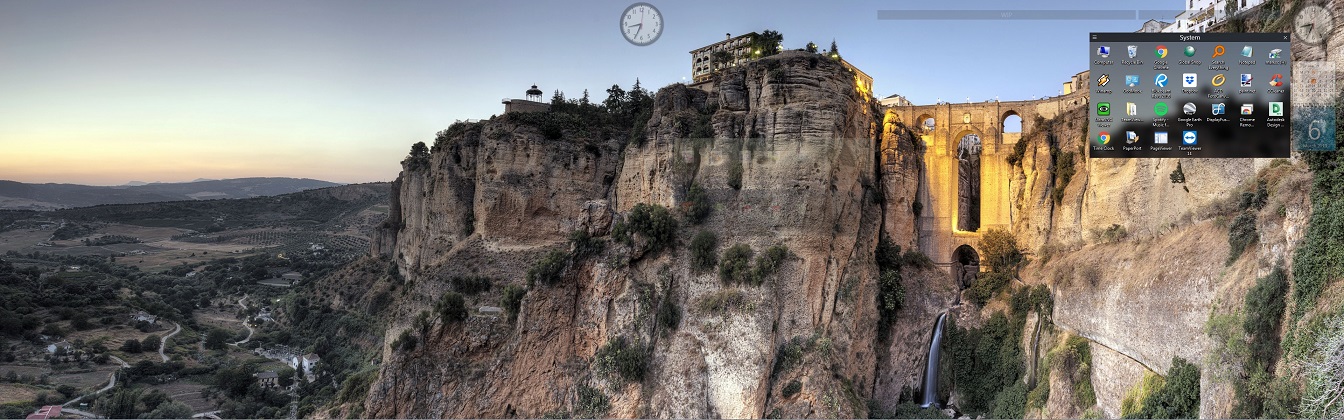 Note how the in-focus fence shows the bluff with the gazebo on it. The faded out image is also incorrect, but too transparent to notice. But the effect is obvious when moused over. This particular instance is on Windows 7, using DisplayFusion to span a large background image - but I have seen the same effect at home on Windows 10 Pro using multiple wallpapers without DisplayFusion.