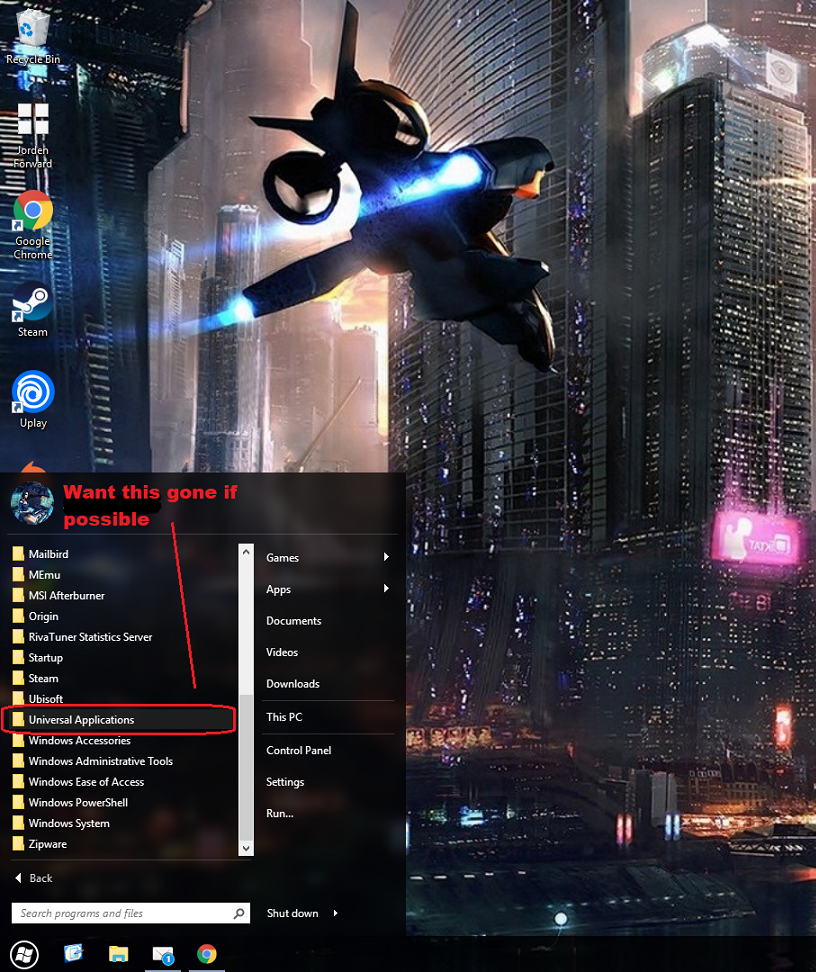
How do I remove the "universal folder" from the left hand list when using modern style
from  Stardock Forums
Stardock Forums
I pretty much have my start 10 configured the way I want accept I cannot remove the universal application folder as I don't use any of the apps listed under there. I was wondering if anyone knew how I can delete/ remove the offending folder thanks.