Annotations on Folder Portal icons
 Stardock Forums
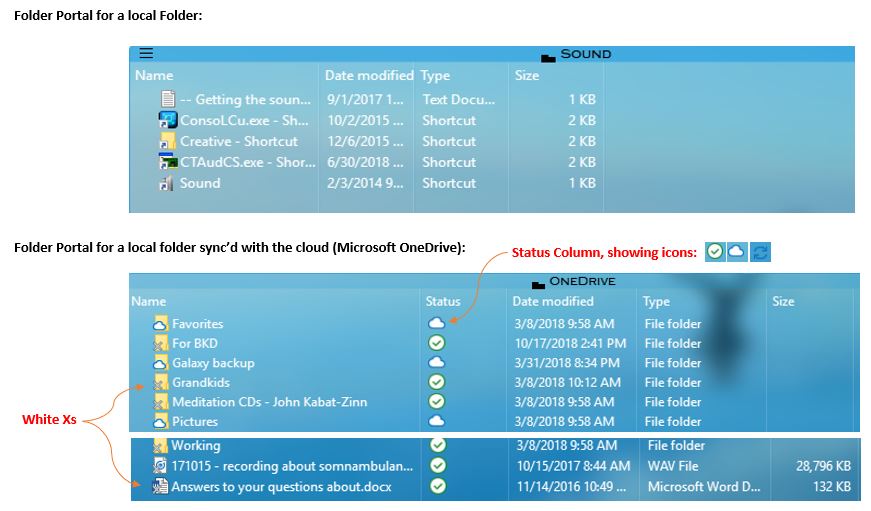
With a folder portal, Fences annotates each file with a symbol on the lower left of the icon. For example, if the file is a shortcut, the annotation is a curved arrow. This happens even when the selected view is "Details".
My folder portal is for my OneDrive (Microsoft's Cloud service) folder. In this case, the folder has the list of local files which are synchronized with the cloud files. I'm now noticing all of the icons for the OneDrive files are annotated with White Xs. My other folder portals (for non-cloud folders) have no such annotation.
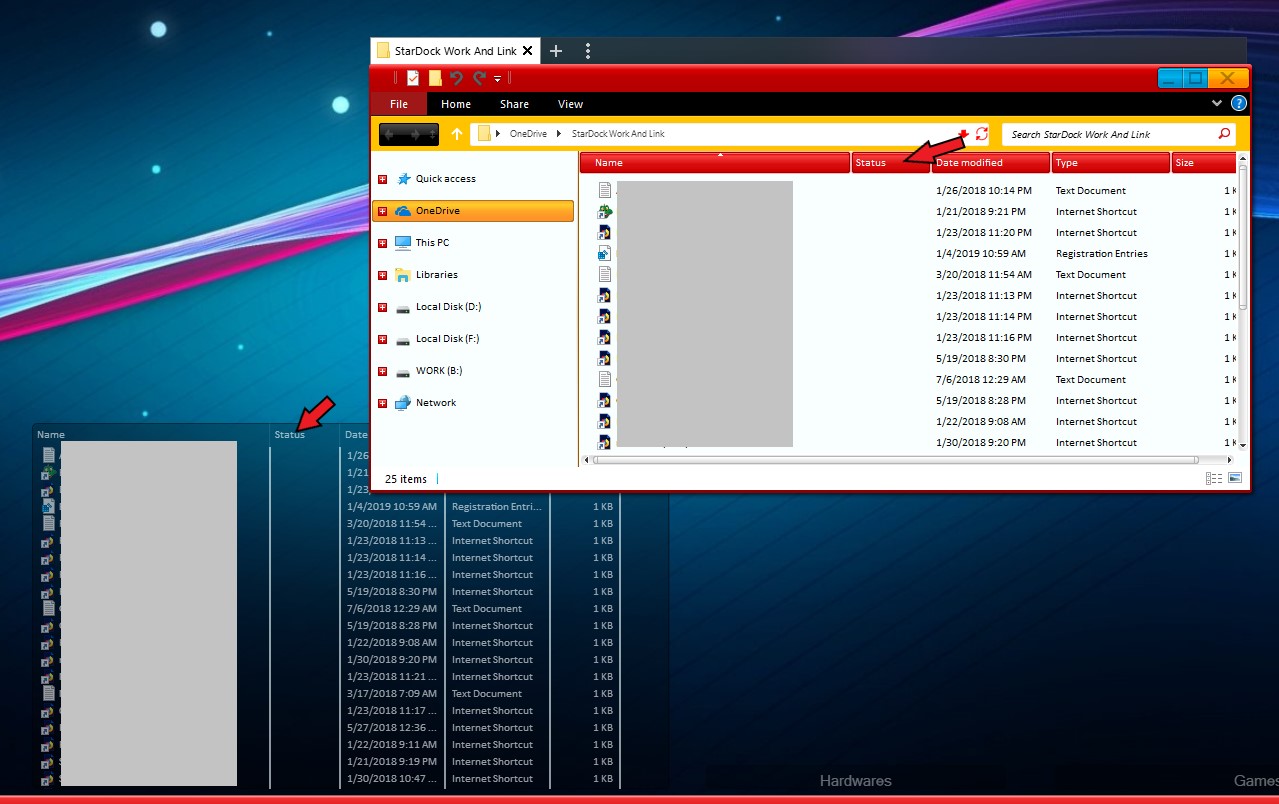
Further, unlike folder portals for non-cloud folders, the listing for the OneDrive folder has a "Status" column. And I also don't know what the icons in that folder mean.
So the questions: Does anyone know what the white Xs mean? And what do the Status column icons mean?