Icons are not wrapped

Hello,

after Fences 2 I bought version 3 now and have the problem that the icons are not wrapped correctly. As soon as a certain icon size is undercut, this function doesn't work anymore. This is very annoying, because I usually use small icons. Does anyone have the same problem?
Windows 10(1809)
Fences 3.0.9.11

5,952 views 8 replies
Reply #1 Top

Hello,

Sorry to hear you are having issues. Need more information.

Can you provide us with a screen capture of your problem. Specially on "the icons are not wrapped correctly"

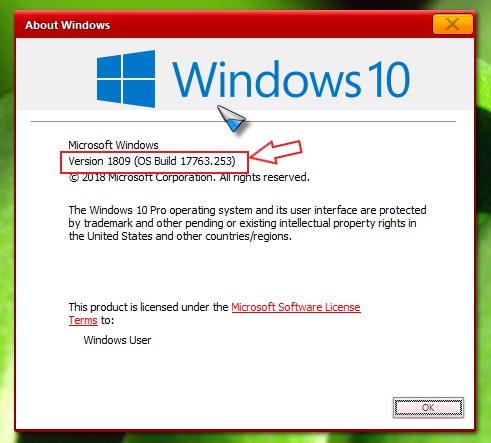
and also need info on your Windows 10 full version please use Winver.exe to get the full numbers.

Thanks

Basj,

Stardock Community Assistant.

Reply #2 Top

Hello,


my Version is the same.

Windows 10 Pro(German Edition) 1809, 17763.253.

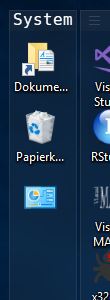
Big Icons

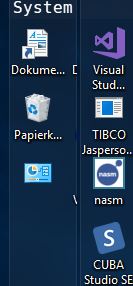
Smaller Icons

When I resize the icons, I have two columns.
If I resize the icons, I can see how the icons move from right to left below.

Reply #3 Top

Need more information.

1) Icon size set

2) Monitor/s resolution sets and scaling applied to each.

Thank you,


Basj,

Stardock Community Assistant

Reply #4 Top

Hello,

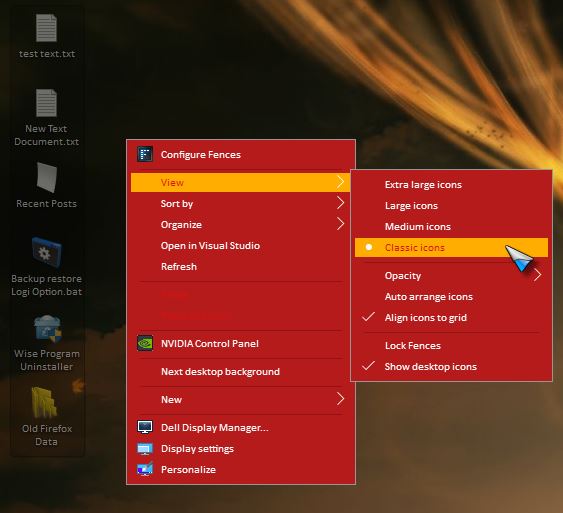
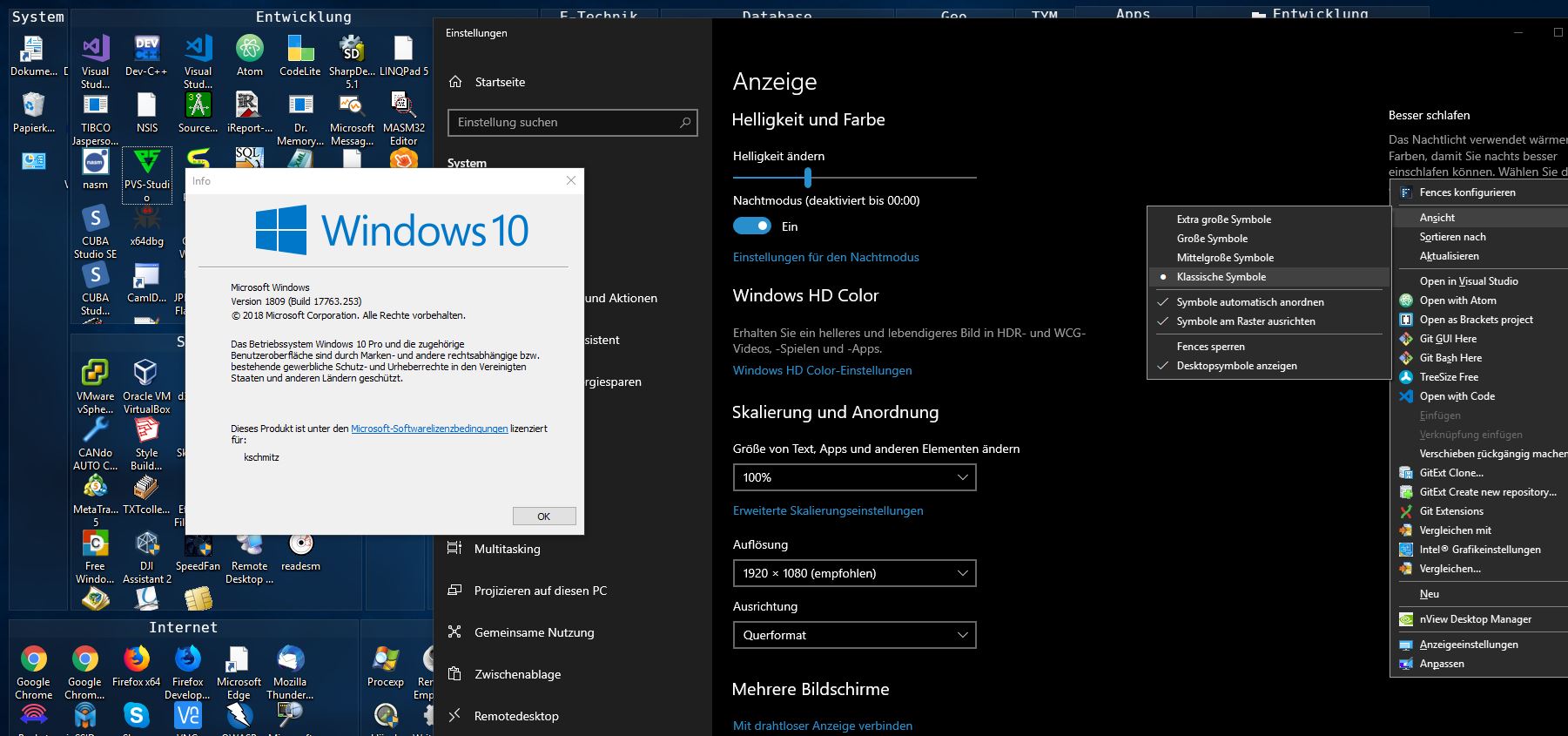
so before, the size was user-defined. I have now explicitly set them to "classic symbols" and they became even smaller. Now you can see exactly the problem on the screenshot. My screen resolution is 1920x1080. Scaling is 100%.

Settings

Classic Icons

Reply #5 Top

Please try purge and reinstall : https://forums.stardock.com/486084/fences-support-faq#reinstalling.

Please re-download the latest installer from your account. Reinstall that and reboot. Retest and report back here.

To save your snapshot before purge please use this steps : https://forums.stardock.com/486084/fences-support-faq#backupsnapshots

Thank you,


Basj,

Stardock Community Assistant

Reply #8 Top

Okay, that works now. Apparently we played around with the size or the distance. This is probably because it looks like shit when there is so much free and unused space left on the left and right.
Enclosed is the link with a description how to manipulate the space in the registry. Is your software not able to handle such modifications?


Edit Spacing