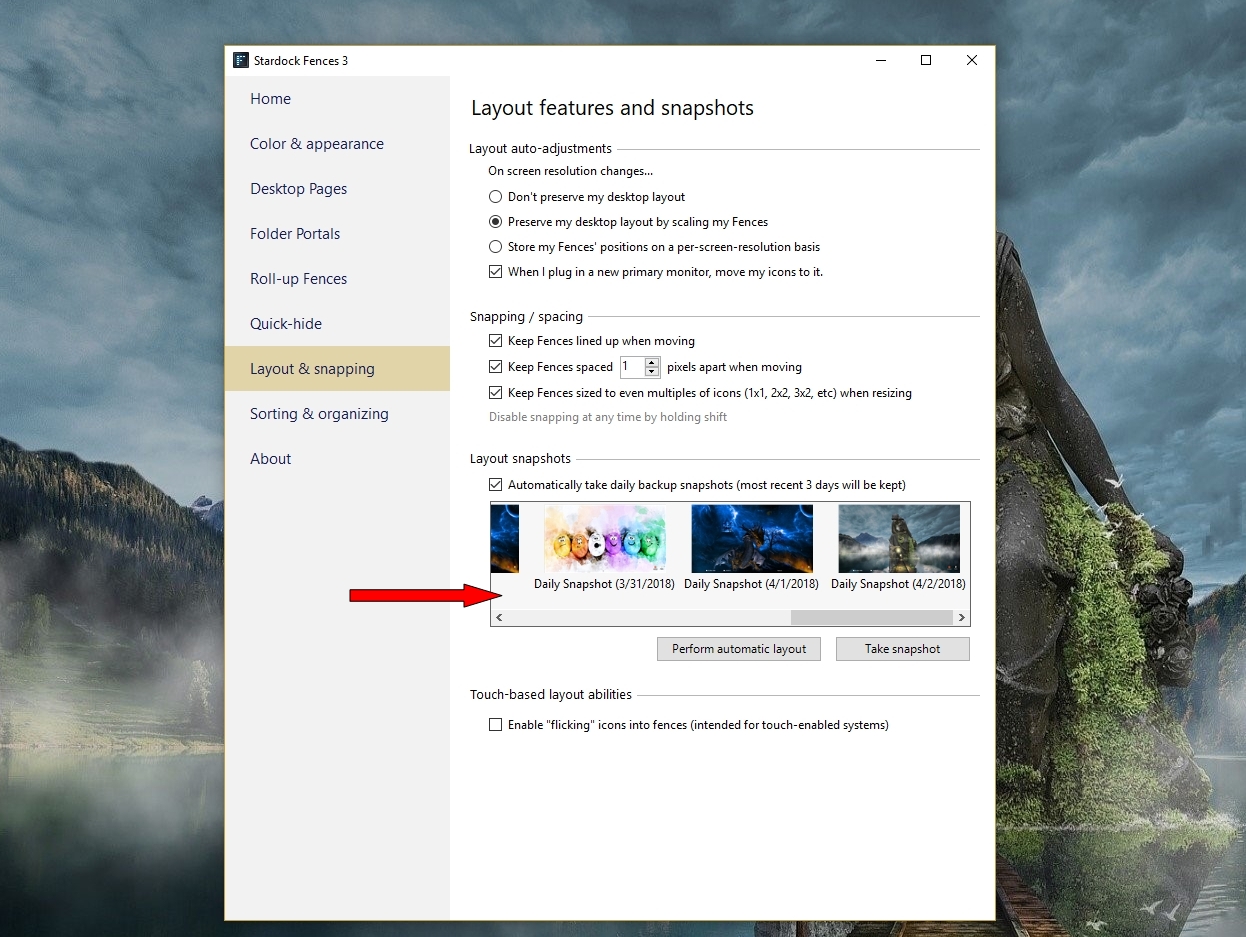
Some Icons fall out of fences overnight
Revert to snapshot doesn't fix it
from  Stardock Forums
Stardock Forums
I bought Fences to help solve the following problem: about 6-8 times per year, I arrive at the office to find my desktop icons have lost their positions and instead get a default sorting onto the primary monitor.
This morning, I found the majority of my fence containers completely empty, with the icons stacked in to my second monitor. Some fences retained some icons, but no fence is 100% intact. I don't see a pattern or reason, seems random.
Reverting to a past snapshot does not fix the problem. All un-fenced icons won't return to prior positions.
PC with Windows 10, in networked environment. Single user license.