Translucent option not working in windows 10 (steam version)

Hello, I just got fences on steam, nice piece of software. However the translucent background option just suddenly stopped working. The backgrpund is jut plain transparent, it had the translucent blur effect for a few moments then it vanished on its own. Restarting the computer had no effect, unistalling and reinstalling had no effect. The background is plain transparent regardless if the option box is enabled or disabled. Any workaround? The effect prefectly matches the windows 10 UI and I would like it back.

8,822 views 7 replies
Reply #1 Top

Hello,

I have forwarded your report to the Stardock support team for their review and recommendations.

Please keep an eye on this thread for any updates.

We really do appreciate your feedback, thanks.


AzDude
Stardock Community Assistant

Reply #2 Top

Thank you sir! I was under the impression this were the foruns to report bugs to the team, sorry for confusion and thanks

Reply #4 Top

Just updating, I followed the purging procedure and reinstalled and it didnt quite worked, the layout reverted back to fresh start but the trnasluscent toggle still isnt doing anything. It is not a critical bug, and I can live with that, but maybe your are interested. 

Reply #5 Top

I too am seeing this issue on the Steam version. Was working for me only a couple of days ago, and now it isn't. 

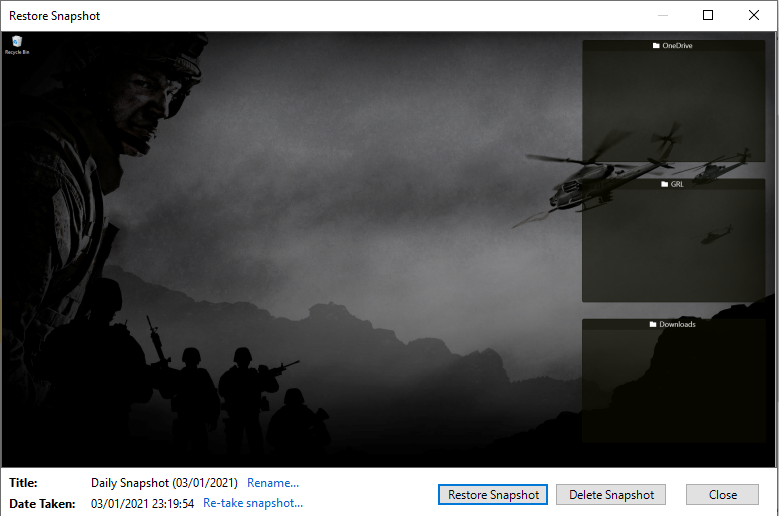
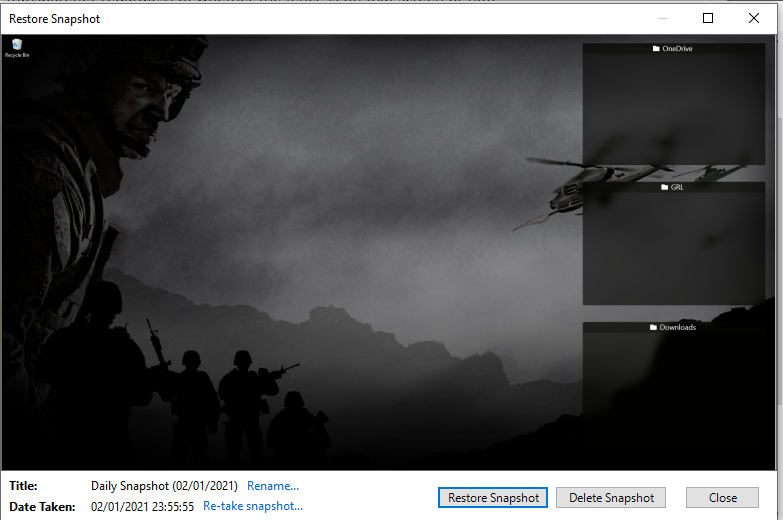
I tried all the above fixes as well as disabling the Acrylic effect in Windows and clean installing GPU drivers. As you can see from my restore points, it shows as working but clearly is not. Is there a preference we can change which would fix this? 

Before:


After:

Reply #7 Top

Just as a post this, I fix the issue. 

To fix this, do the following: 

1. Navigate to: C:\Users\*username*\AppData\Roaming\Stardock\Fences\Backups

2. Open your current working preference file. For me this was called: aca090a2-c85f-4395-8268-870b8fdd29c2.xml

3. Find the following string: BackgroundBlurRadius

4. Delete the array:

Code: xml
  1. <ArrayOfString>
  2. <string>BackgroundBlurRadius</string>
  3. <string>System.Int32</string>
  4. <string><?xml version="1.0" encoding="utf-8"?><int>0</int></string>
  5. </ArrayOfString>

5. Save the file

6. Open Fences Configuaration

7. Select the Color & appearance tab

8. Enable Translucent Fences backgrounds

9. Fixed!


Let me know if this works for you?