Problem installing
 Stardock Forums
Ive been a long time user of Fences and after taking the plunge of upgrading to Win10 I need to compliment my Win10 install with good ol' Fences, put my hard earned cash down and bought the program from Humble Bundle, got my key and proceeded to install the program.
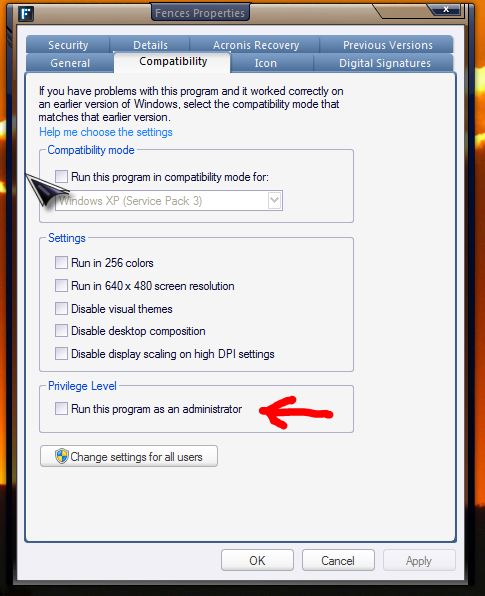
Double click on the newly downloaded Fences 3.09, asked to install in drive D: as usuall, installed finished doing its thing and then..... nothing. By nothing I mean absolutely nothing happens, I can see the icon on my start menu (unlike the free version were I had a Desktop icon), I can click it but nothing happens, Fences doesnt even appear in Task Manager.
Ive already uninstalled and reinstalled several time, Ive even used the Fences Purge tool but to no avail.
Please help, I love the app and I would hate having to ask for a refund.
Cheers