Blur the wallpaper under the taskbar
bug
 Stardock Forums
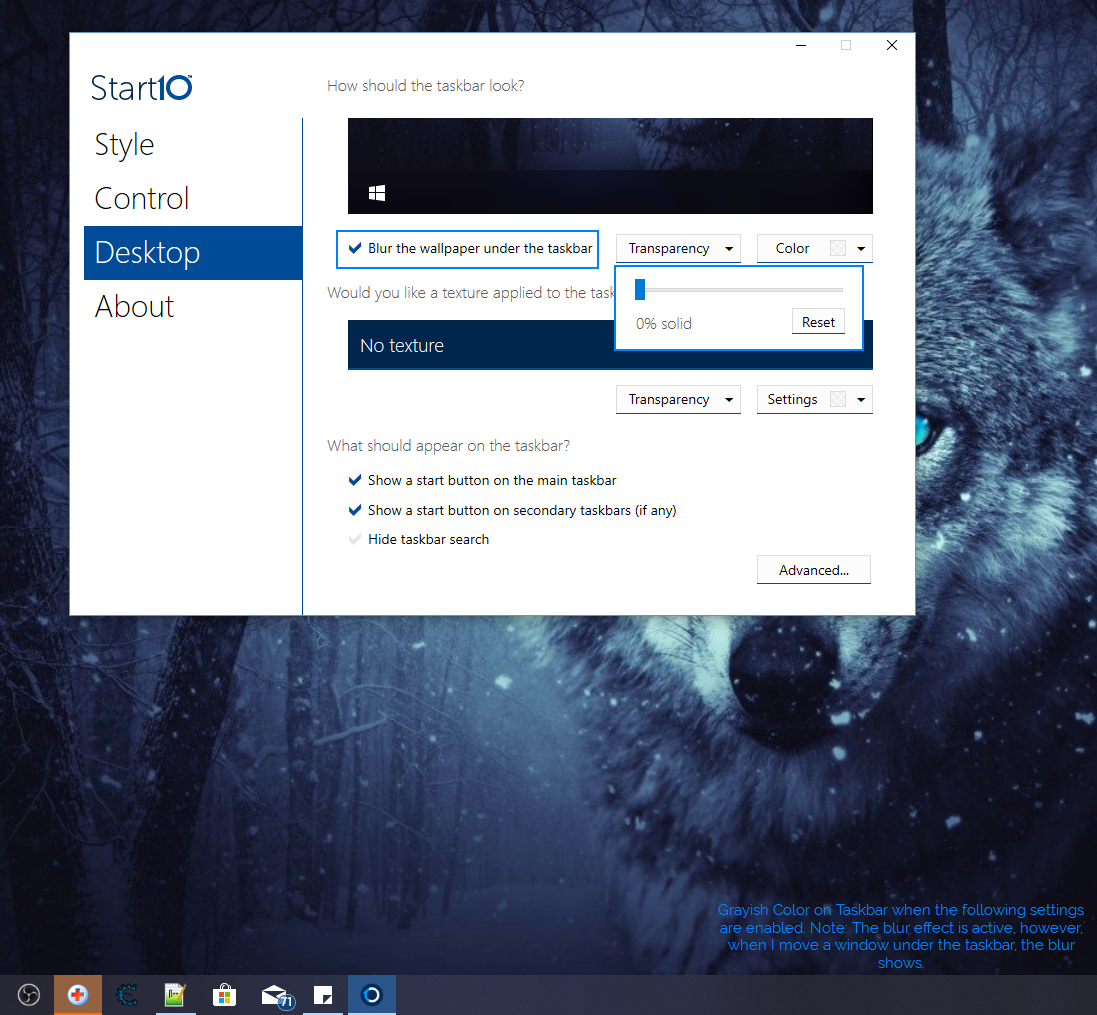
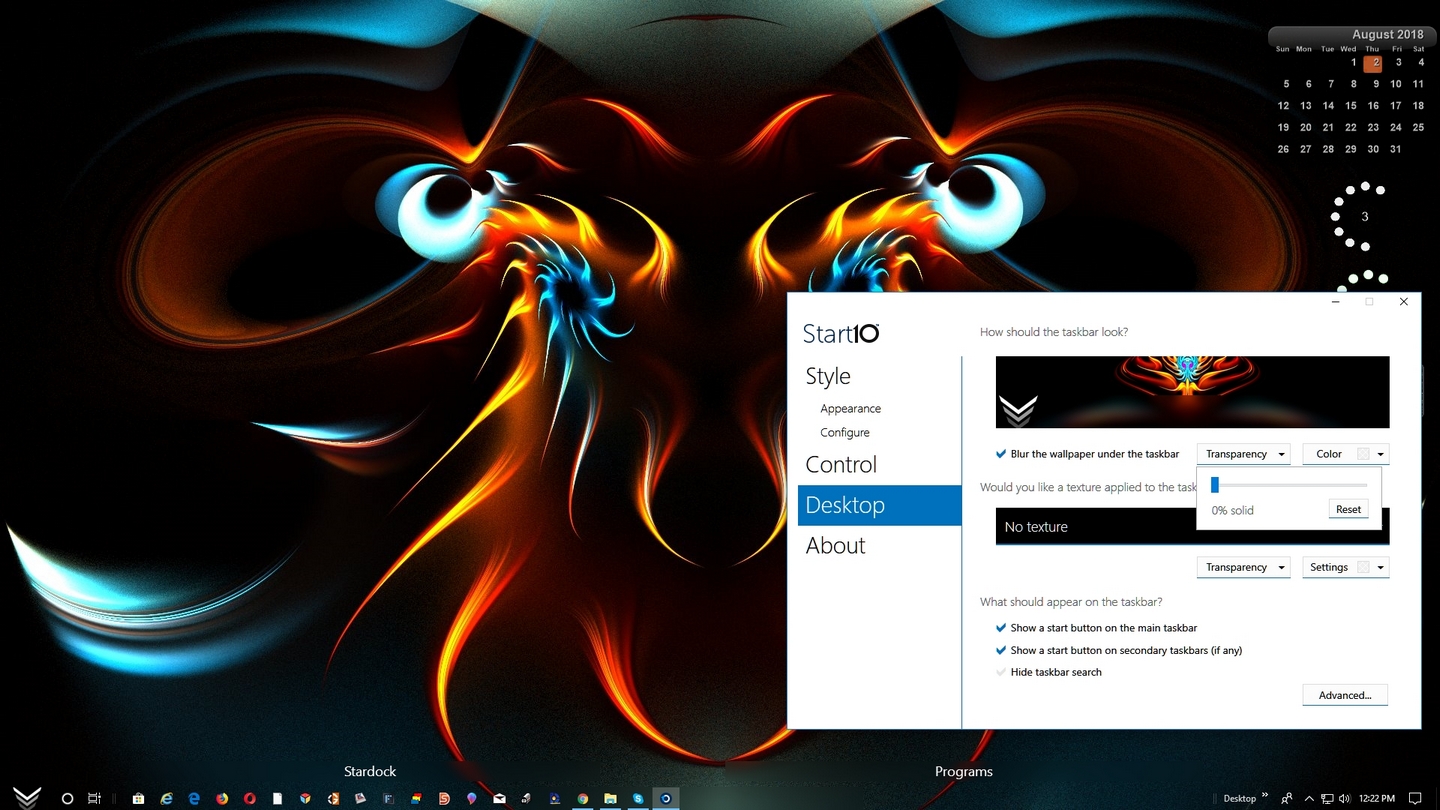
I use Start10 only to customize my taskbar, blur the wallpaper under the taskbar, and set the transparency of the taskbar from 100% to 0% which produces a really cool effect. Recently after updating my Windows 10 Machine from Version 1703 to 1803, I have noticed that there is a strange grayish color when the transparency is set all the way to 0%. I have never experienced this before, and the grayish color is not fully gray either, it is about 45% transparent. I have tried switching some settings around, and have gotten no luck. I also noticed that when I tick the option to "Blur the wallpaper under the taskbar" to be off, the transparency is full 0%, without any grayish color, but when I tick the option on, the grayish color appears. I have attached several a screenshot to the ticket. Please excuse the typo I have made in the screenshot.
Possible solutions I have tried:
- Re-install Start10
- Disable/Enable Transparency Effects in the Windows Settings
- Searched for Start10 Updates
Thank you.