Windows 10 slow login times.

Using fences 3.08 on some of our windows 10 machines produces login times of upwards of 90 seconds.  Removing fences on the machine brings the login times down to 10 seconds.  We are not sure what is causing the issue as it happens on some machines but not others (with the same icons within the fences themselves).  No fenced items point to a network location they are just simple application shortcuts.  Any help with this issue would be appreciated.

8,324 views 8 replies
Reply #2 Top

Hello, here a link to a guy who have similar problem. He get it solved, maybe you can read through and have some idea on what to try on your system.

https://forums.stardock.com/489233/page/1/#3716431

Thank you,

Basj,

Stardock Community Assistant


Reply #3 Top

I tied running the purge and installing the latest version with no success.  Even without creating a single fence when I login to Windows(win10) the desktop loads with no icons.  In this state I can click on the task bar and it responds, can launch applications etc.. however the desk top does not load (no icons).  

This is running on a PC with no internet connection and connecting this machine to the web is not possible.


Reply #4 Top

Hello

Sorry to hear you are having issues

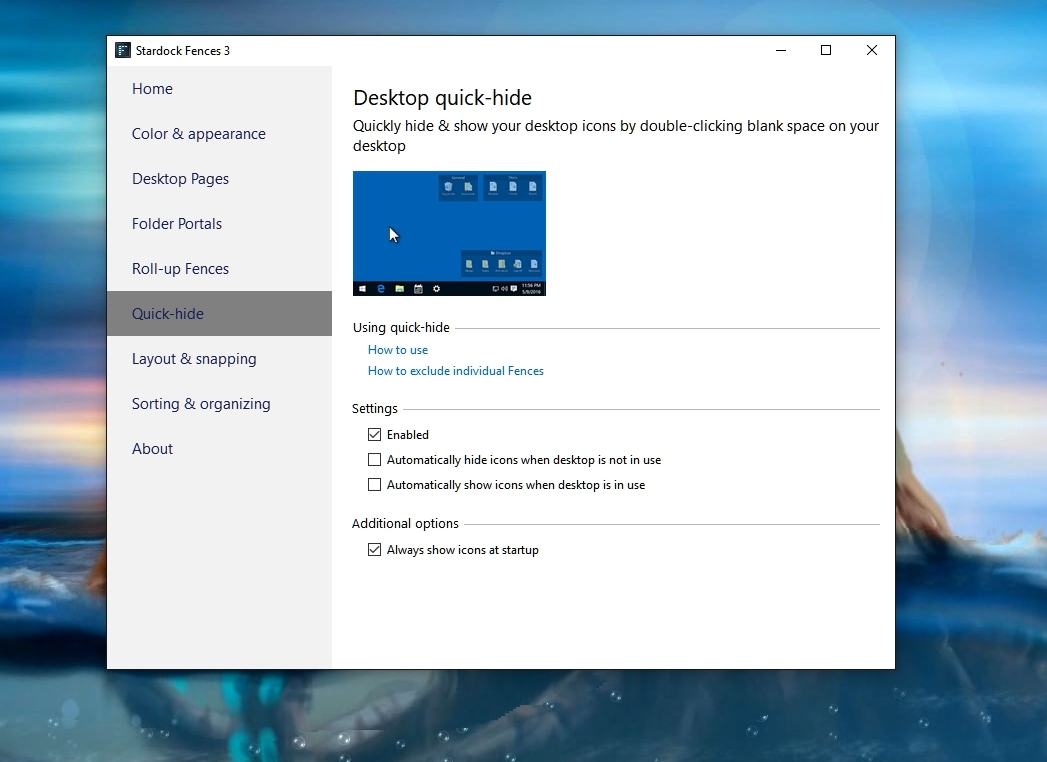
Can you double check your desktop 

when you double-click on it it will hide your fences and icons

double-click again and they all come back to the desktop.

Double Check your fences settings


AzDude
Stardock Community Assistant

Reply #5 Top

Double click to hide is enabled, however the issue I am seeing persists even if that option is unchecked.  The icons do eventually show, they are just delayed by around 50 seconds after the windows login happens.

Reply #6 Top

Double click to hide is enabled, however the issue I am seeing persists even if that option is unchecked.  The icons do eventually show, they are just delayed by around 50 seconds after the windows login happens.

Reply #7 Top

Couple of things to add: 

  • We are running fences on multiple windows 10 machines with the same configuration and all of them experience the issue.
  • Before the desktop is operational (in error state) there is a spinning wait icon on the cursor when trying to interact with the desktop.  I can right click and pull up a context menu in this state but "configure fences" is not on the context menu at this time yet.  I can also not left click and drag to create a box as you normally would with Windows explorer.
  • When the desktop is operational right clicking and selecting "configure fences" takes around 30 seconds before the settings menu appear, this to me seems like it could be related... Overall very slow performance.

To me it seems that the process that fences uses to hook into the Windows explorer is causing issues.  Could this some how be related to permissions/UAC? Potentially something related to display drivers (using Nvidia Quadro K1200)?

The login delay will ultimately cause us to not be able to use the product for our work stations as logging in and out is a big part of our operational use.