KVM Pro Seamless Click Problem

KVM Pro when accessing computer by seamless moves mouse, but clicks won't work

I have upgraded from KM to KMV and then to KMV Pro, and I have already uninstalled and reinstalled in both computers. 

The slave machine gets accessed by seamless as always, but now, mouse clicks won't affect anything on the slave machine. Neither the keyboard works on slave machine.

I tried already to create a new profile, and the problem remains.

Also I tried to disable firewall on both machines.

A third machine on my network works fine.

It seems that the problem is on my slave machine 1.

What do you suggest, apart from formatting and reinstalling everything from scratch...

All computers using Windows 10 creators update.


16,382 views 21 replies
Reply #1 Top

Now the problem seem to be escalating, even via KVM it is no longer accepting clicks from mouse, although it moves the pointer.

Also it won't accept keyboard strokes.

Reply #2 Top

Are you using AVG on the secondary machine?

Reply #3 Top

Quoting Schauk, reply 1

Now the problem seem to be escalating, even via KVM it is no longer accepting clicks from mouse, although it moves the pointer.

Also it won't accept keyboard strokes.
End of Schauk's quote

This should resolve it:
https://forums.stardock.com/486104/Multiplicity-Support-FAQ#movemousesecondary


Reply #4 Top

This problem persists, even with windows firewall defender disabled in both computers.
I don't use AVG, I only use Windows Defender on both Windows 10 1809.
This clearly is a problem in your part because the older version 4.2  00067 works perfectly.

Please compare your latest version with version 4.2 Pro Build 00067 and fix this problem.

Reply #5 Top

Hello,

Please try the purge and reinstall step listed here : https://forums.stardock.com/486104/multiplicity-support-faq#reinstalling

Make sure to get the latest version from your account and reinstall it. Reboot after the installation on both machine and retest.

Report back here.

Thank you,


Basj,

Stardock Community Assistant

Reply #6 Top

I'll not do it, because I know the problem is not here, it is in the latest version. 
Check my previous post, that I edited.

Reply #7 Top

Hello,

I have forwarded your problem to Stardock Support team for their assistance. Please keep an eye on this thread for any updates. We appreciate your feedback and patience.


Basj

Stardock Community Assistant.

Reply #8 Top

Quoting Schauk, reply 6

I'll not do it, because I know the problem is not here, it is in the latest version. 
Check my previous post, that I edited.
End of Schauk's quote

If that were true, we would all be seeing it, Schauk; we are not - I could not do my job without this working.

In the 6 years I have been supporting Multiplicity, I have never seen this not be a firewall / AV issue in some way.  Please review this again:

https://forums.stardock.com/486104/Multiplicity-Support-FAQ#movemousesecondary

If that still fails, I would recommend the aforementioned purge:

https://forums.stardock.com/486104/multiplicity-support-faq#reinstalling

or a clean boot:

https://forums.stardock.com/486104/multiplicity-support-faq#cleanboot

----------------
Sean Drohan
Stardock Customer Service Manager

Reply #9 Top

I use Multiplicity for 5 years already and I purchased several licences, you can see my account.

Since I opened this thread last year, I have already formatted the HD several times and reinstalled from scratch, and installing the latest version always bring me the same bug.

That is quite simple to fix, I just downgrade the installation to 4.2 and it works instantly. 

I have already tried all your "solutions" but they don't work.

But I am ok with it.

I'll keep using 4.2.


Reply #10 Top
Quoting Schauk, reply 9


I'll keep using 4.2.
 

End of Schauk's quote

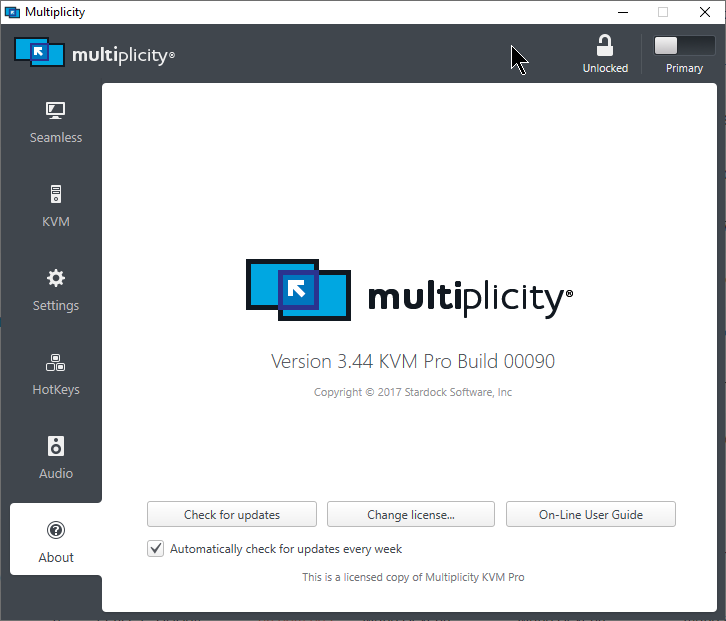
Version 4.2???  The latest (and only) version of MP is 3.44 build 00090:

----------------
Sean Drohan
Stardock Customer Service Manager

Reply #12 Top

In any case, a clean boot would reveal much I believe...

----------------
Sean Drohan
Stardock Customer Service Manager

Reply #13 Top

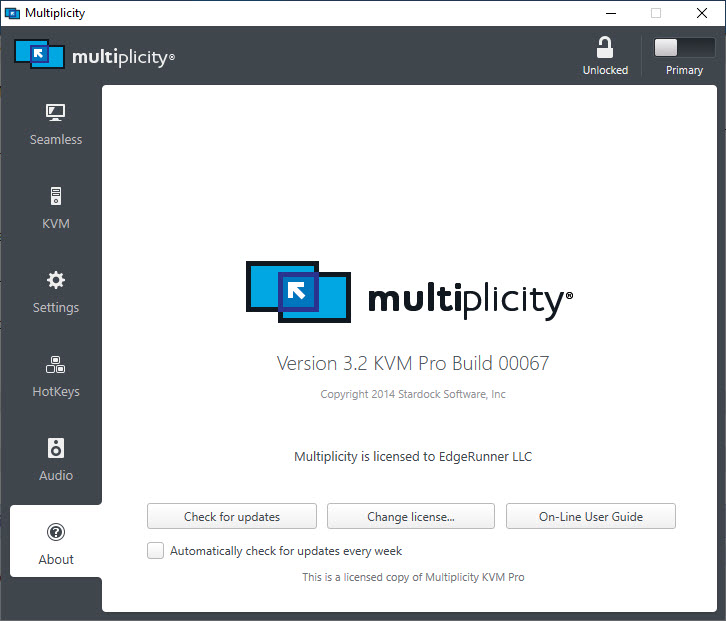
I don't need anything from you, because I am using the older version, 3.2 flawlessly. 

But think about this, the version 3.2 doesn't even need any kludge to work in any network. No workarounds, no need to patch the firewall rules, no need to clean install. 

You have broken something. 

Just saying. 

It's up to you to take my tip or not. 

just saying... 


Reply #14 Top

Quoting Schauk, reply 13

You have broken something. 
End of Schauk's quote

If I could reproduce it, or we had any other reports at all (where the fixes did not work), I would be inclined to agree, Schauk.  The more likely scenario is there is an app conflict and the clean boot would help to expose that.

----------------
Sean Drohan
Stardock Customer Service Manager

Reply #15 Top

Why don't you try to install the version 3.2 in a scenario where firewall is blocking the access?

Reply #16 Top

Quoting Schauk, reply 15

Why don't you try to install the version 3.2 in a scenario where firewall is blocking the access?
End of Schauk's quote

I am not sure I understand the reason for the test - as you said, 3.2 works fine.  With a proper install of MP, both versions should work as expected.

Your issue is that 3.44 is what is not working properly - that is what needs to be addressed.  We need to know why it works for everyone else but not on your PC.  A clean boot would help with that effort.

----------------
Sean Drohan
Stardock Customer Service Manager

Reply #17 Top

The reason for the test is that, if you prove that version 3.2 doesn't require any changes in firewall and 3.44 does require it, there is a problem with 3.44. 

Reply #18 Top

Quoting Schauk, reply 17

The reason for the test is that, if you prove that version 3.2 doesn't require any changes in firewall and 3.44 does require it, there is a problem with 3.44. 
End of Schauk's quote

Schauk, both installations make edits to the firewall:

Why its not working for you is either that (somewhere) or a third party app / setting.

----------------
Sean Drohan
Stardock Customer Service Manager

Reply #19 Top

So, that is the catch, 3.2 makes the firewall changes by itself, 3.44 needs users to run a batch file to make the changes manually.

Reply #20 Top

Quoting Schauk, reply 19

So, that is the catch, 3.2 makes the firewall changes by itself, 3.44 needs users to run a batch file to make the changes manually.
End of Schauk's quote

That is not so, 3.44 also makes those changes on install.  If it is not for you, then something is preventing it from doing so.  

That said, I have written a script to write them if they are missing:

http://sd.stardock.com/Support/Software/Multiplicity/MPPortFix.zip

----------------
Sean Drohan
Stardock Customer Service Manager