




Multi-monitor problem after Creator's update
Start menu pops up on wrong screen, isn't clickable
 Stardock Forums
Not sure if this is really Start10's fault.
Using DisplayFusion to manage my two screens. Before the creator's update, everything worked as expected. I have it set up so that when I press the Windows button, the Start Menu will show on the screen I am currently using (mouse).
After the creator's update (I think) it works like this:
When I press Win on screen 1 (main screen), the Start Menu appears as expected:
When I press Win on screen 2, the Start Menu appears on screen 1, but scaled for screen 2, and I can't click it with the mouse (can only use keys to navigate and select).
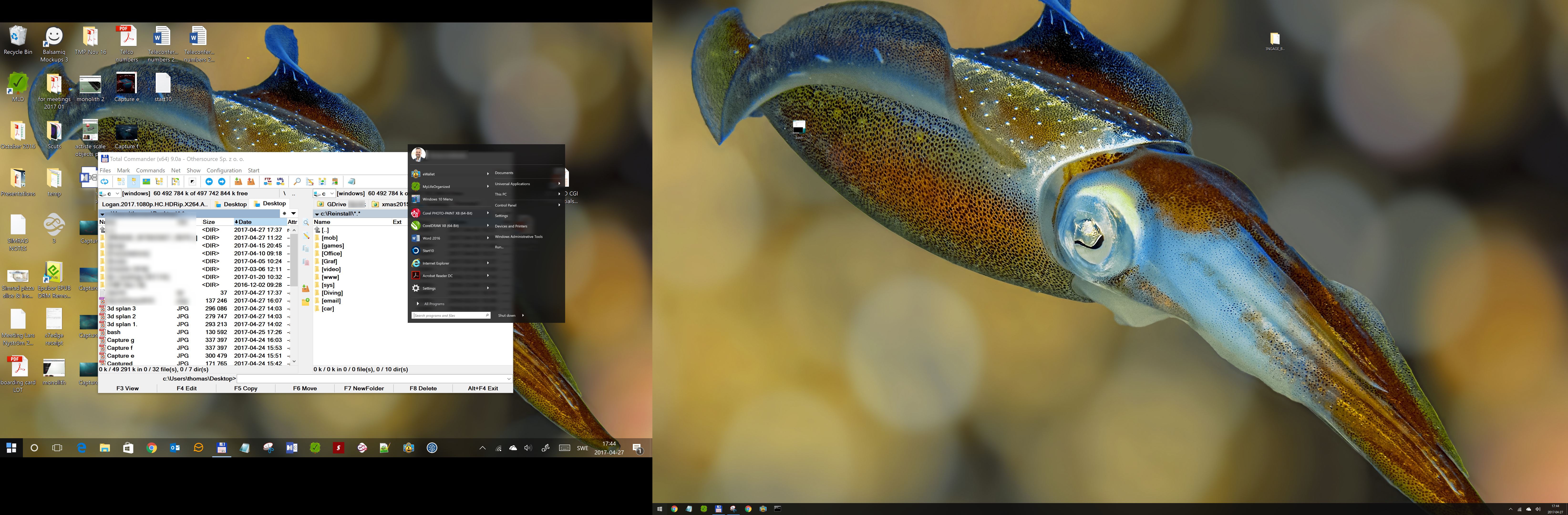
Extremely annoying.
Sorry for the big images, no time to find a good image hosting service!
Reinstalled Start10, no luck. Any ideas?