sydneysiders sydneysiders

May 09 Desktop Screenshots...

May 09 Desktop Screenshots...

show us what you've got...

well....it's heading for May 3rd here in a few hours....and no thread....

so..I thought I'd bare my desktop....and start the month with...Naked...  :)

484,851 views 204 replies
Reply #76 Top

How did you get them to stay single. Whenever I moved them to the edges it makes them full size?

Reply #77 Top

This is my submission of my desktop for the Wincustomize.com Month Desktop Screenshot picture. This is my desktop for May on my triple monitor desktop. I really like this picture. I have been looking for a picture like this for Years and this has finally come out perfect. Here are the statistics:

IconPackage:
Pleasant by harwenzhang --> https://www.wincustomize.com/skins.aspx?skinid=1734&libid=2

ObjectDock Background:
Acrylic Tab &Side Docks --> https://www.wincustomize.com/skins.aspx?skinid=11442&libid=29

CursorFX:
Clear Glass by Tommy999999 --> https://www.wincustomize.com/skins.aspx?skinid=1870&libid=25

Wallpaper:
New York Panorama by ~GCTHawk7--> http://gcthawk7.deviantart.com/art/New-York-Panorama-121252900

Windowblind:
Flouxytine by casualtraveller --> https://www.wincustomize.com/skins.aspx?skinid=6682&libid=1

Thanks to everyone who made this suite possible. Thanks to cplair for his help and information.

Tools Used:

- CD Art Display
- Desktop Sidebar
- Stardock CursorFX
- Stardock Fences
- Stardock IconPackager
- Stardock ObjectDock
- Stardock Windowblinds
- Trillian Astra
- Winamp

Time Taken: 3 Hours (Still A Work In Progress)

Better View at http://jukeboxaudio.deviantart.com/art/Desktop-06-05-2009-121698487

Reply #78 Top

This is my submission of my desktop
End of quote

That's some serious urban landscaping you've got going in that shot!

Looks like total panoramic!

:thumbsup:  

How did you get them to stay single. Whenever I moved them to the edges it makes them full size?
End of quote

That happens to me too JBA, just grab the corner, resize the tab long, then resize it narrow.

Tabs stretch both ways.  It's easy enough.

Take your time.  You have a hard time with it after this, drop me a PM and I'll be happy to walk you through.

Good luck to ya!

^_^  

+1 Loading…
Reply #79 Top

This is my Laptop using OldRebublic WB by MikeB314 and the Old Republic WM skin to match by DaRkFuSsIoOn. Also Dark Vista Weather by Weatherbound, and Black Glass CPU meter by Shadowline Designs in my sidebar. Wall paper compliments of Hubble ST.

My Laptop

Reply #80 Top

Zip, Zap, Zowie & Zing!
End of quote

Sweet!!  Like the DX theme...lol... ;)

Reply #81 Top

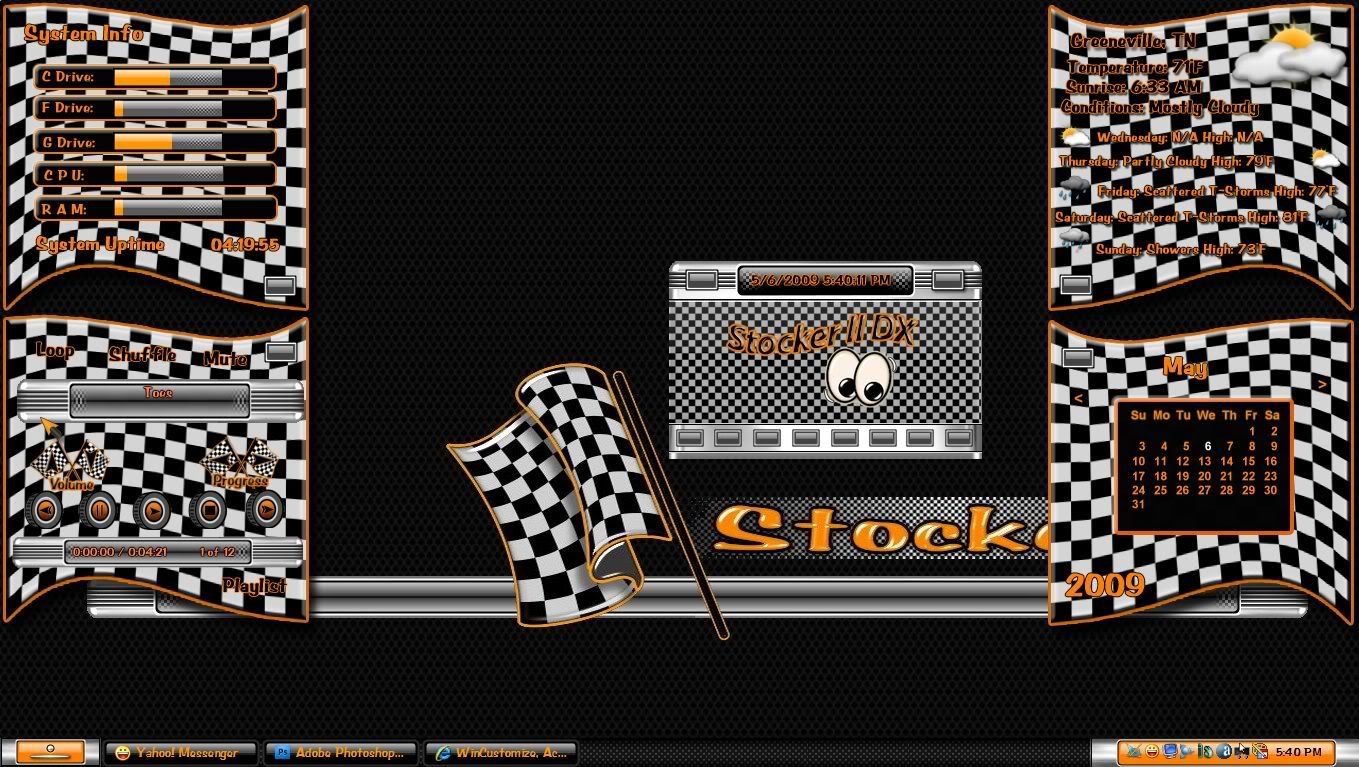
My new DX theme and a blind by Heir of Slytherin'....


Reply #82 Top

Its been a while ..so busy these days ... loads of Sidebars in development ,

and not enough time to finish them at the moment !!

Anyway , VERY MUCH a work - in - progress ... This is a Sidebar to go with 2of3's MOST EXCELLENT

FOOL's GOLD ..
End of quote

What is the thing at top left, Mike?

Reply #83 Top

Just a teaser on the left 6 dock icons...Made with Bryce6...We'll see how far it goes.

+2 Loading…
Reply #84 Top

Quoting cplair, reply 3

This is my submission of my desktop

That's some serious urban landscaping you've got going in that shot!

Looks like total panoramic!


How did you get them to stay single. Whenever I moved them to the edges it makes them full size?

That happens to me too JBA, just grab the corner, resize the tab long, then resize it narrow.

Tabs stretch both ways.  It's easy enough.

Take your time.  You have a hard time with it after this, drop me a PM and I'll be happy to walk you through.

Good luck to ya!

 
End of cplair's quote


Thanks but I am going to go with my old way of doing things ;) I will try this later. But yes this is a panoramic picture but only part of it. See the wallpaper part of the post for the rest of the picture the full picture is 22,000 x 15,000px or something like that.

Reply #85 Top

Sweet!! Like the DX theme...lol...
End of quote

Ah, aw man, you saw that Jim?

XD  

Thanks but I am going to go with my old way of doing things
End of quote

Take your time, you'll get it!  Then you'll hate yourself afterwards because it was so easy!

:grin:  

Just a teaser on the left 6 dock icons...Made with Bryce6...We'll see how far it goes.
End of quote

Dammit Jack, your setups are always friggin yummy!

:drool:  


Reply #86 Top

Just a teaser on the left 6 dock icons...Made with Bryce6...We'll see how far it goes.
End of quote

Hey, Skinshit..er, Skinhit, is it Christmas at your place?     :O 8O :-" ;)

Reply #87 Top

Skinhit, is it Christmas at your place?
End of quote

Always:D

Dammit Jack, your setups are always friggin yummy!
End of quote

Thanks my friend...


+1 Loading…
Reply #88 Top

I've fallen back to Zing!... I just love it. :D

The original wallpaper (The Colors of New York) is available HERE.

Reply #89 Top

Reply #91 Top

Working on
End of quote

8C  EeeeeeYikes that looks pretty damn sweet Danillo!:star:


Reply #92 Top

wow dani!!!!! on windows 7, too! that looks great, bud


Reply #93 Top

Working on.
End of quote

Sweet Dani!  :thumbsup: I hope you have an XP verion in ther as well! ;)

Reply #95 Top

Very sweet....sleek! I really like this one, dani!  :dur:

Reply #96 Top

Just a teaser on the left 6 dock icons...Made with Bryce6...We'll see how far it goes.
End of quote
I really like 'em!! Keep them comming! <3 :sun:

Reply #97 Top

Wow Danillo......

That looks fantastic mate.... 5* :beer: :thumbsup:

Reply #98 Top

mike b1954
End of quote


Now that is a cool way to answer a question!!    k6 5*

Reply #99 Top

About XP version, the skin will have XP, Vista and Windows 7 versions.
End of quote

Is windowblinds working on 7?


Reply #100 Top

About XP version, the skin will have XP
End of quote

Awesome! :thumbsup: