
For those eager to modify/alter everything they can...here's another tool for fun....
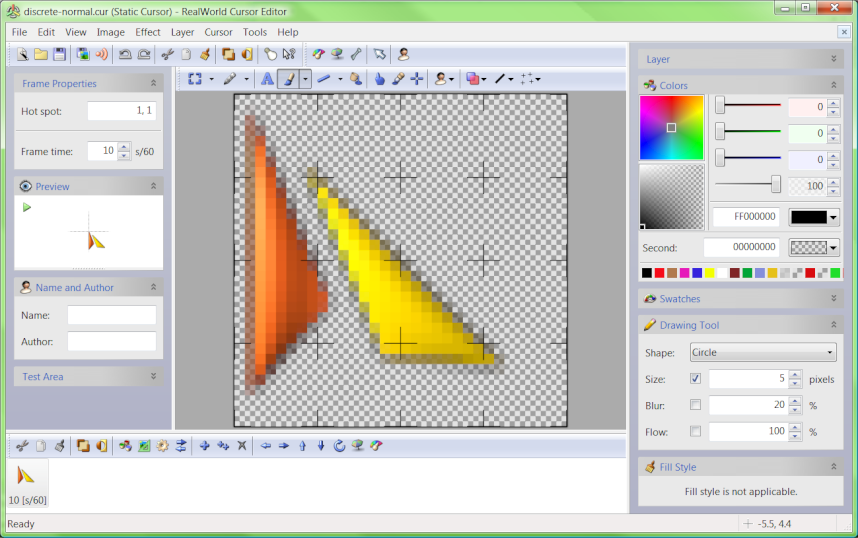
Editing static Windows cursor

All sorts of 'tools' exist for manipulating your Windows Experience.

I can't say I've used this one....[can't even remember which proggy I used to make my own custom cursors that I still always use - was a fair few years ago now]... but it looks like it's worth a 'go' ....;)

5,207 views 9 replies
Reply #1 Top
That's a nice little find. Thanks for sharing, Jafo  :) 
Reply #2 Top
Good find, but the program is "shareware" and the "3D" part can be used for 30 days and then is disabled unless bought. The regular part of the program is free. The good part is that it won't enter values in the registry.
Reply #3 Top
Any comparisons to CursorXP?
Reply #4 Top
Any comparisons to CursorXP?
End of quote


...and if you make a cursor with this program, can you use it with CursorXP?

I downloaded the program today, all I did was try to open a cursor from the CursorXP
theme files. It did'nt recognize the file. It could be because I'm not familiar with the program, I have not tried anything else with it yet.
Reply #5 Top
Any comparisons to CursorXP?
End of quote


don't see it (comparison)

cxp is basically a program to apply cursors - not a creator/editor per se
Reply #6 Top
It did'nt recognize the file. It could be because I'm not familiar with the program,
End of quote


nope, wrong formats

Reply #7 Top
cxp is basically a program to apply cursors - not a creator/editor per se
End of quote
Very true.
Reply #8 Top
It did'nt recognize the file. It could be because I'm not familiar with the program,


nope, wrong formats

End of quote


I'll stick with GIMP and CursorXP then. :D 
Reply #9 Top
don't know. has possibilities for use with cxp

cur is basically static pic
ani is basically gif

convert the cur to png (if possible)
open the ani in something like irfanview, extract the frames, put them back together with aniutil for use in cxp